
Your ordinary days are more beautiful than you think.
One photo a day, turned into a postage stamp. Stampling is the photo journal app that helps you build a daily memory diary — a growing collection of moments you'll actually want to look back on.


So many photos.
Almost none revisited.
Every week you capture hundreds of moments - a good meal, a laughing friend, a perfect bit of light. Then they disappear into the camera roll, into an album you'll “organise someday.” Someday never comes.
Stampling is the opposite of all of that.
One moment, beautifully kept
One stamp a day. Chosen, not just captured.
Private, forever
No feed. No followers. Just you.
Richer with every passing day
After a month, a gallery. After a year, a treasure.
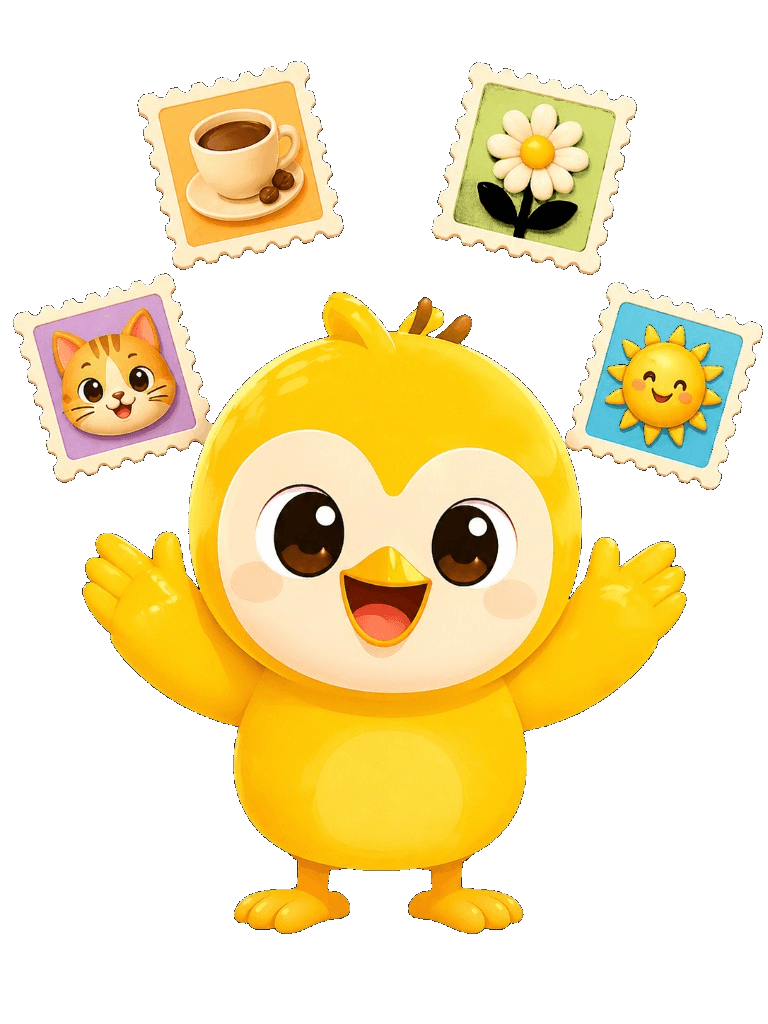
Thirty seconds.
One beautiful stamp.
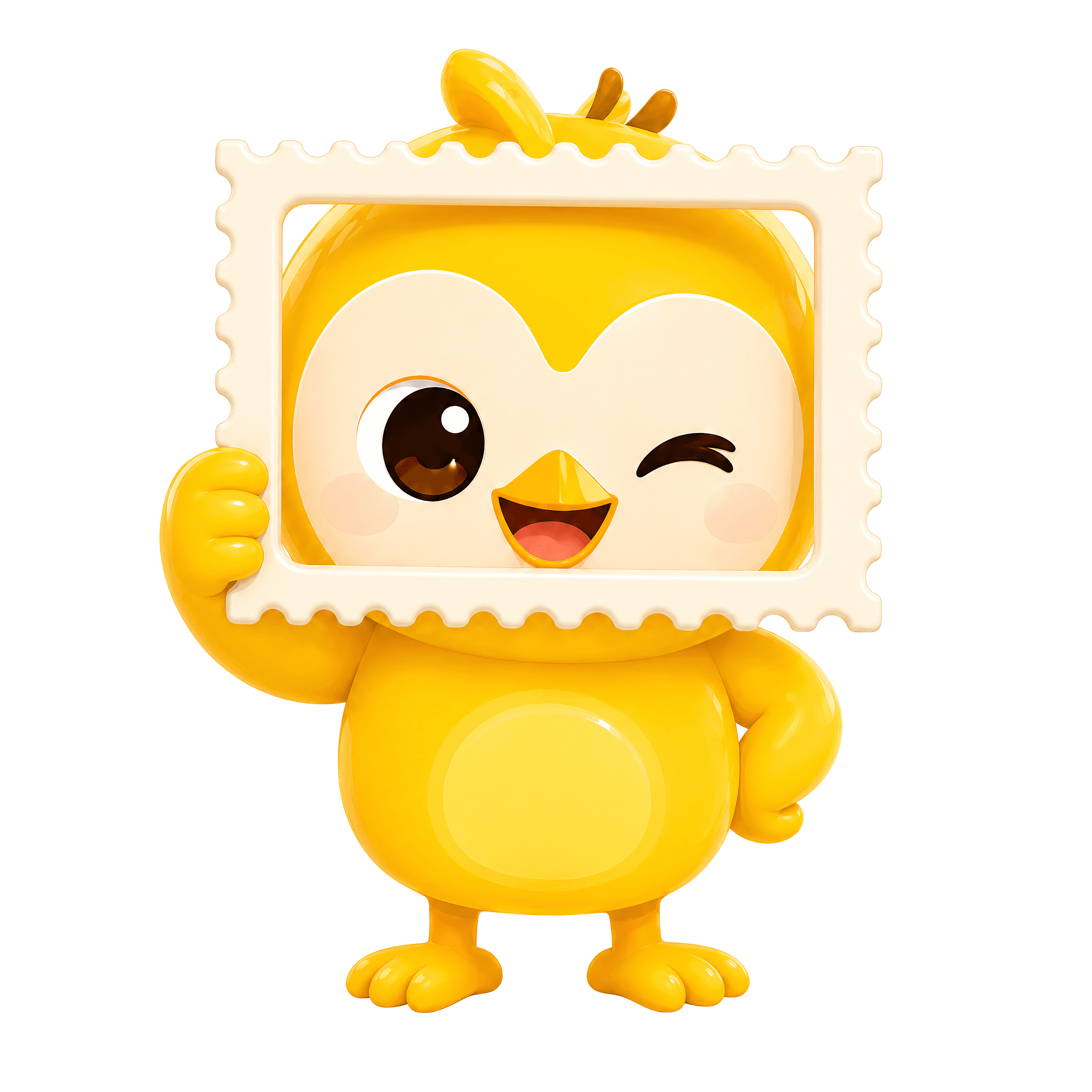
Open the camera. Frame your moment in a stamp-shaped viewfinder. Tap. Watch it become a keepsake.
- 1
Frame it
See the world through a stamp-shaped viewfinder. You're not just taking a photo - you're composing a keepsake.
- 2
Stamp it
Tap. The app wraps it in warmth - perforated edges, paper texture, a little weight.
- 3
Collect it
Your stamp joins the Board - a scrollable timeline of your life. Group into albums. Watch your story grow.
Every day, something worth noticing.
One prompt. One stamp. One day at a time.
Every morning, a tiny invitation - “something that made you smile,” “a texture you want to touch,” “the view from right here.”
Not homework. Not a challenge you can fail. Just a whisper: hey, look at that.


A private album for the two of you.
Pair with your partner or best friend. Your albums sync in real time - they stamp, you see it.
- Real-time sync across both phones
- You choose which albums to share
- One Pro plan unlocks both partners
Your memories are waiting.
All you have to do is notice them.
Free to download, free to start. Your first stamp takes thirty seconds.
Free
$0
forever
- 12 stamps
- 1 album
- Full daily prompts
Pro
$19.99
/year - about $1.67 / mo
- Unlimited stamps & albums
- Pairing for two
- All future features
Lifetime
$39.99
one payment, forever
- Everything in Pro
- No recurring fees
- Pay once, keep stamping
Monthly plan also available · Prices in USD · Restore purchases in-app
Questions? Answered.
What is Stampling?
Stampling is a photo journal app that turns your everyday photos into beautiful, collectible postage-style stamps. It works as a private memory diary, a daily photo habit tracker, and a shared album space for couples or close friends.
How does Stampling work as a photo journal?
Open the camera, frame your moment through a stamp-shaped viewfinder, and tap to capture. Your photo becomes a keepsake stamp with warm, perforated edges. It joins your Board — a scrollable timeline of your life that you can organize into themed albums.
Is Stampling free?
Yes. Stampling is free to download and free to start. The free tier includes up to 12 stamps, 1 custom album, full daily prompts, and streak tracking. Stampling Pro unlocks unlimited stamps, albums, all 11 stamp shapes, canvas board mode, photo filters, and shared album sync.
Can I share albums with my partner?
Absolutely. Stamping includes a private pairing feature that lets you sync selected albums with one trusted person in real time. One Pro plan covers both partners. There is no public feed, no followers, and no algorithm — just the two of you.
Is my data private?
Privacy is at the heart of Stampling. Your photos stay on your device by default. Cloud sync is opt-in and only happens for albums you explicitly choose to share. We do not collect location, contacts, microphone data, or advertising identifiers.
What makes Stampling different from other photo apps?
Unlike social photo apps or generic camera rolls, Stampling is designed for intentionality. The stamp metaphor turns casual snapshots into cherished keepsakes. Daily prompts encourage mindfulness. Streaks and badges build habit. And the private pairing feature makes it the perfect couples photo journal or shared memory diary.
What platforms is Stampling available on?
Stampling is available on iOS via the Apple App Store and on Android via Google Play. You can download it for free and start building your photo collection in seconds.
Does Stampling work offline?
Yes. All core features work entirely offline. Your stamps, albums, and settings are stored locally on your device. Cloud sync only activates when you choose to pair with someone and share an album.